
Table of Contents
Home
/
Blog
/
Invoices in Finmap: from sending the bill to collecting payment in 3 steps — no calls to your accountant required

308

6 min

20.07.2026
Invoices in Finmap: from sending the bill to collecting payment in 3 steps — no calls to your accountant required

Julia Polinyak
Financial expert at Finmap
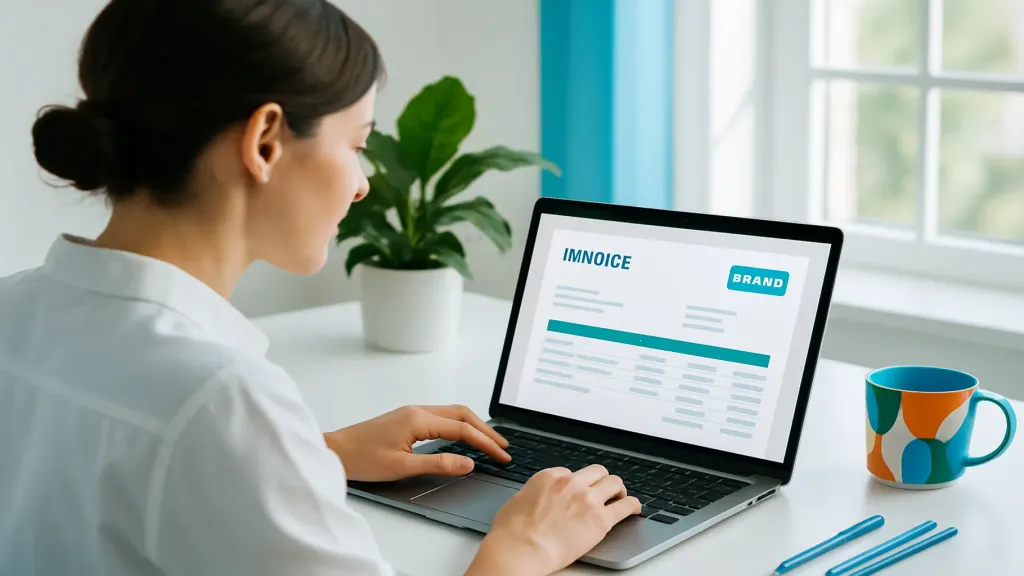
Sending an invoice sounds simple enough. But in a lot of businesses, it's a whole production: the accountant drafts it in Word, sends it off, and then someone may or may not remember to check whether it was paid — until a month later, when it turns out the client never paid at all.
The problem isn't the invoice itself. It's that the invoice lives somewhere completely separate from the money. Billing happens in one place, payment in another, and outstanding balances exist only in someone's head or a spreadsheet. Nobody sees the full picture, and every update requires a phone call: "Did that one come through?"
In Finmap, invoices and money live in the same place. The entire journey — from sending to closing — takes three steps, and none of them require a call to your accountant.
Why invoices "disappear"
When an invoice is disconnected from your financial records, something breaks at every handoff:
| The usual way | What actually happens |
|---|---|
| Invoice in Word or Excel | No link to payment — you have to check manually |
| Accountant monitors payments | The owner is the last to hear about an overdue balance |
| Outstanding debts tracked "mentally" | You only remember the overdue invoice when it's already too late |
| No status tracking | No way to tell at a glance what's been paid and what hasn't |
The result: money sits tied up in unpaid invoices, and you have no idea. Not because your business is poorly run — but because the invoice and the payment never meet in the same place.
Step 1 — Send the invoice
You create the invoice right inside Finmap: client, products or services, amount, due date. You send it to the client, and it immediately appears in the system with a status of "sent." Not a standalone file you have to save somewhere — an actual part of your financial records.
Step 2 — Track the payment
When money hits your connected account, Finmap picks it up automatically and marks the invoice as paid. No need to reconcile bank statements or call your accountant — the status updates on its own. You can see at a glance what's been paid in full, what's partially paid, and what's still outstanding.
"I used to call my accountant every single time: did this one pay? Now I just open Finmap and see the status of every invoice. The calls just stopped."
Step 3 — See what you're owed
All unpaid invoices are in one place, with dates and amounts. You can see exactly who's overdue and by how much. That's your accounts receivable — not as an abstract number, but broken down invoice by invoice, so you can follow up with a client directly from there.
| Step | What happens |
|---|---|
| 1. Send | Invoice created — status: "sent" |
| 2. Payment | Money received — status updates automatically |
| 3. Overdue | Unpaid invoices visible in one place, with dates |
Three steps, and the invoice has traveled its full journey — without a single phone call. Your entire payment history is transparent and right at your fingertips.
Why this is about more than convenience
When your invoices are connected to your money, you don't just get tidier records — you get real control over your cash flow:
- Real-time view of receivables — see how much money is on its way and who owes it.
- Catch overdue payments early — while you can still follow up and actually collect.
- No invoice gets lost — nothing slips through the cracks between files.
- Plan ahead — know when money is coming in and build your cash flow calendar around it.
"Turns out I had unpaid invoices sitting there worth half a month's revenue. I just couldn't see them all in one place. Once I did, I made some calls — and the money came in within a week."
How to get started
Connect your accounts, create your first invoice — and the system takes it from there. Client pays, status updates, outstanding balances collect in one place, and receivables are calculated automatically. No Excel, no Word, no "did that one pay?"
📌 Take an invoice from sent to paid in 3 steps. Try Finmap free for 14 days: send invoices, track payments automatically, and see all your outstanding balances in one place. No calls to your accountant.
Share valuable content — become a source of insights



Recommended for Entrepreneurs
Frequently Asked Questions
Can I issue invoices in different currencies?

Yes. Finmap supports multi-currency — invoice your client in their currency and see everything in yours.
What if a client only pays part of the invoice?
No problem. Invoices can show a partial payment status, so you can see exactly how much has come in and how much is still outstanding.
Do I have to mark every payment manually?
No. When a payment hits a connected account, Finmap matches it to the invoice automatically. You only need to do anything manually for cash or payments made outside the system.
Does this replace my accountant?
No — it takes the tedious reconciliation work off their plate and stops you from having to chase them for updates. Your accountant focuses on what they do best, and you can check the status of any invoice yourself, anytime, no middleman needed.
Any questions left?
We are ready to answer them.


Finmap support